Today i teach you the art of install your FreeSSL Certificate on you IIS Server. I struggled with this too long and now I set this up for the second time and faced the problem longer ever before, I decide to make a medium Entry.
DOWNLOAD OPENSSL LATEST EDITION OPENSSL 4.0.1 FROM HERE … .
https://drive.google.com/drive/folders/1ip_E6DeqpPDQp_U9b-sm9_ezXuaLqOhc?usp=sharing
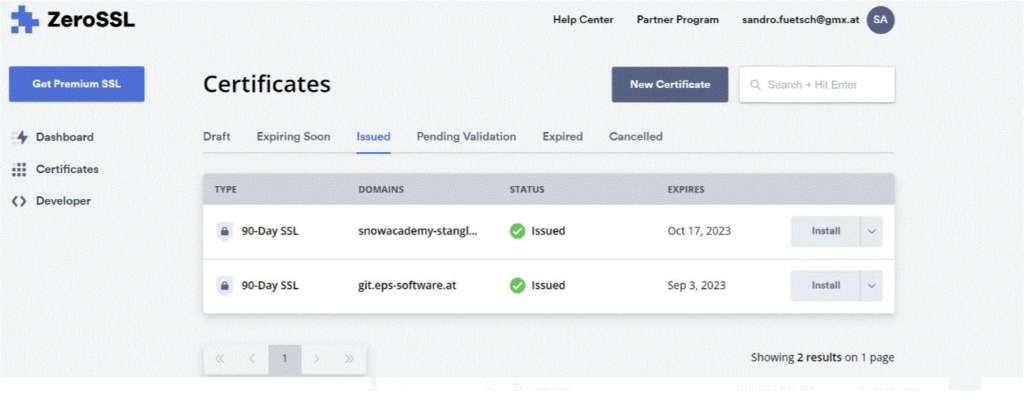
After downloading the Zip for the 4th time, we see are casual mess:
REMEMBER USSE THIS COMMAND IN COMMAND PROMPT TO CHECK AS IF YOU INSTALL PERL , OPENSSL 3.0.1 THAT BEEN INSTALL , ADD TO YOUR PATH YOURSELF … . WHERE YOU INSTALL OPENSSL 4.0.1 … .
BELOW IS THE TUTORIAL HOW TO SET PATH :
To set a path in Windows Command Prompt, type cd followed by the folder path to change the active directory. For system execution, update the PATH environment variable using setx (permanent) or set (temporary) so Windows can find your files from anywhere.
1. Set the Current Working Directory
To navigate to a specific folder where your files are located, use the cd (Change Directory) command.
cmd
cd "C:\Your\Folder\Path\Here"
Use code with caution.
- Pro Tip: If you want to switch to a folder on a different drive (e.g., from
C:toD:), simply type the drive letter and a colon, likeD:. - Shortcut: In File Explorer, navigate to your folder, click the address bar, type
cmd, and press Enter to instantly open a command prompt right there.
2. Add a Path for Global Executables
If you have a file or executable (like a .exe or .bat) that you want to run from any folder, you must add its location to your PATH environment variable.
Permanently for all Command Prompt sessions:
Use the setx command. Note that this requires Administrator privileges and the changes will take effect in newly opened Command Prompt windows.
cmd
setx PATH "%PATH%;C:\Your\Folder\Path\Here"
Use code with caution.
Temporarily for the current session:
Use the set command. This only lasts while your current command prompt window is open.
cmd
set PATH=%PATH%;C:\Your\Folder\Path\Here
Use code with caution.
3. Verify Your Path
To check if your directory has been added to the path successfully, run the following command:
cmd
echo %PATH%
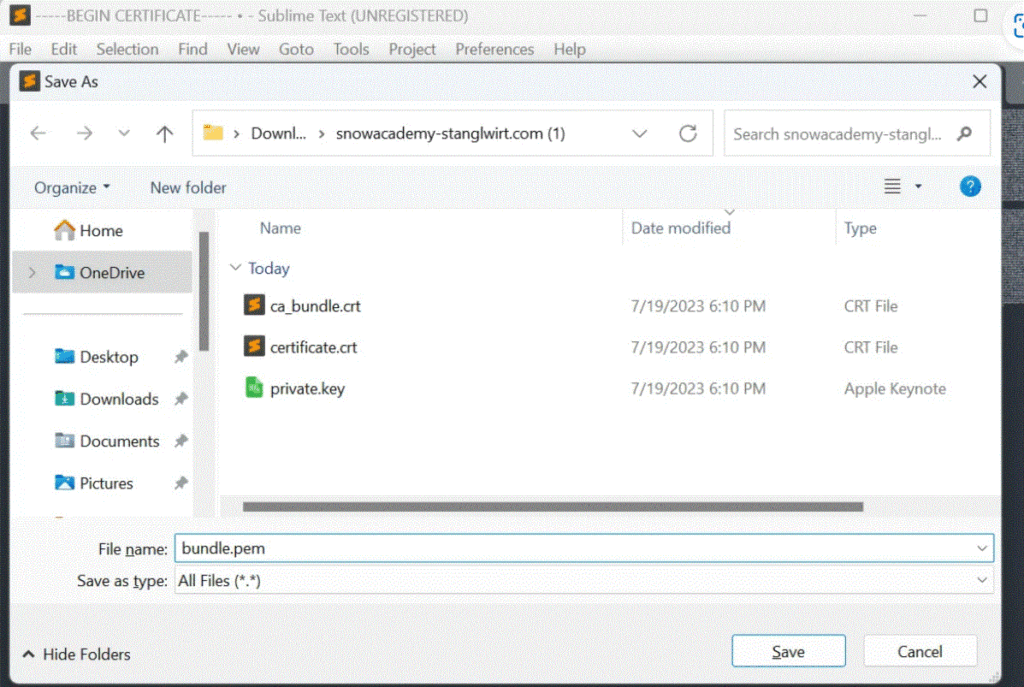
After installing you can continue to create the PFX File: INSTALL OPENSSL LATEST EDITION … .
openssl pkcs12 -in certificate.crt -inkey private.key -certfile ca_bundle.crt -export -out iis_certificate.pfxWhen there are no Errors you are free to go and you can put the PFX on the Server. Need to mention we only need the PFX no other files for our SSL.
So after Copy and paste this masterpiece on our server we go to Server Certificates.
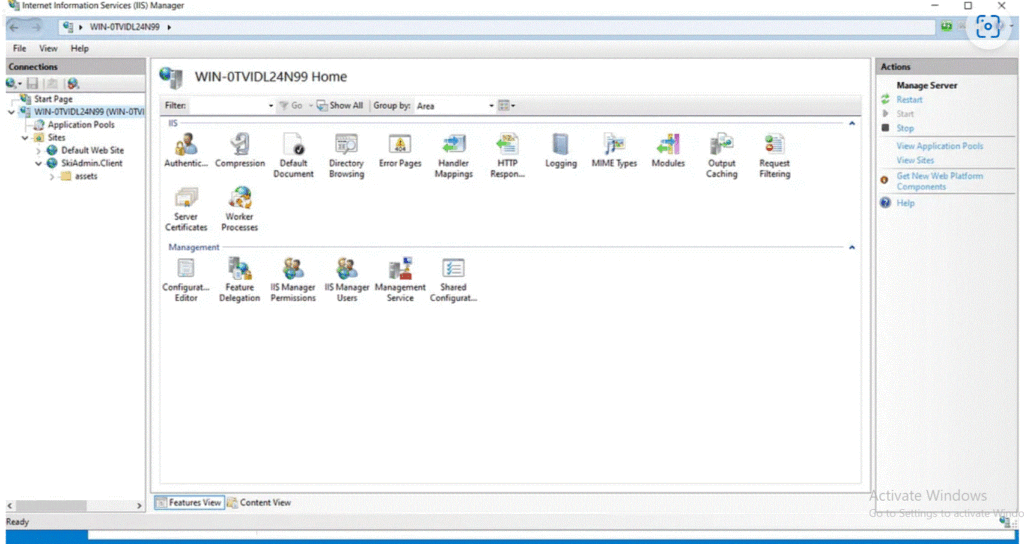
After this you see in the right panel under Actions the Menu Point Import.
Click on it and select your PFX file. you can left the password empty if you have not set one. After your struggle click Ok.
Great you have your SSL Certificate on your Server and now you need to bind this to your Domains.
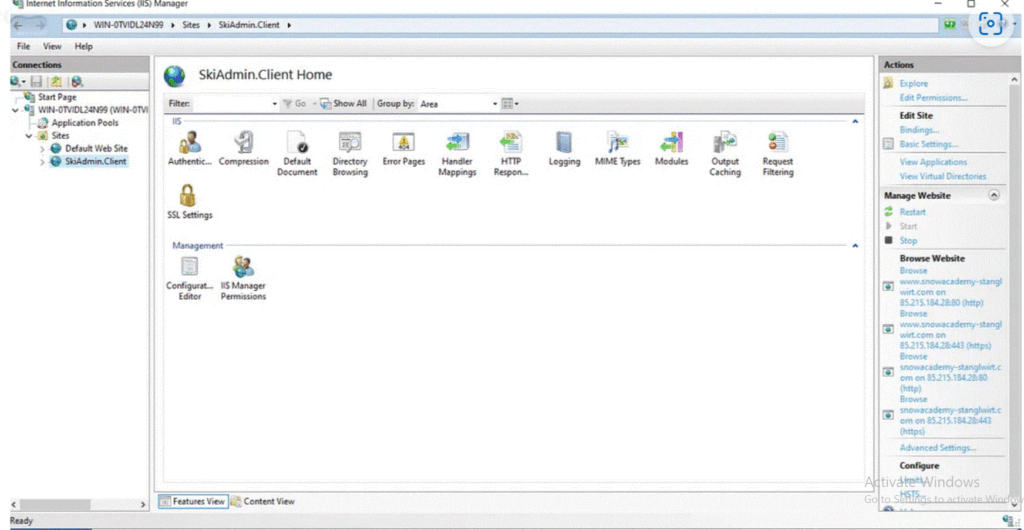
Click on your Site and click on Bindings.
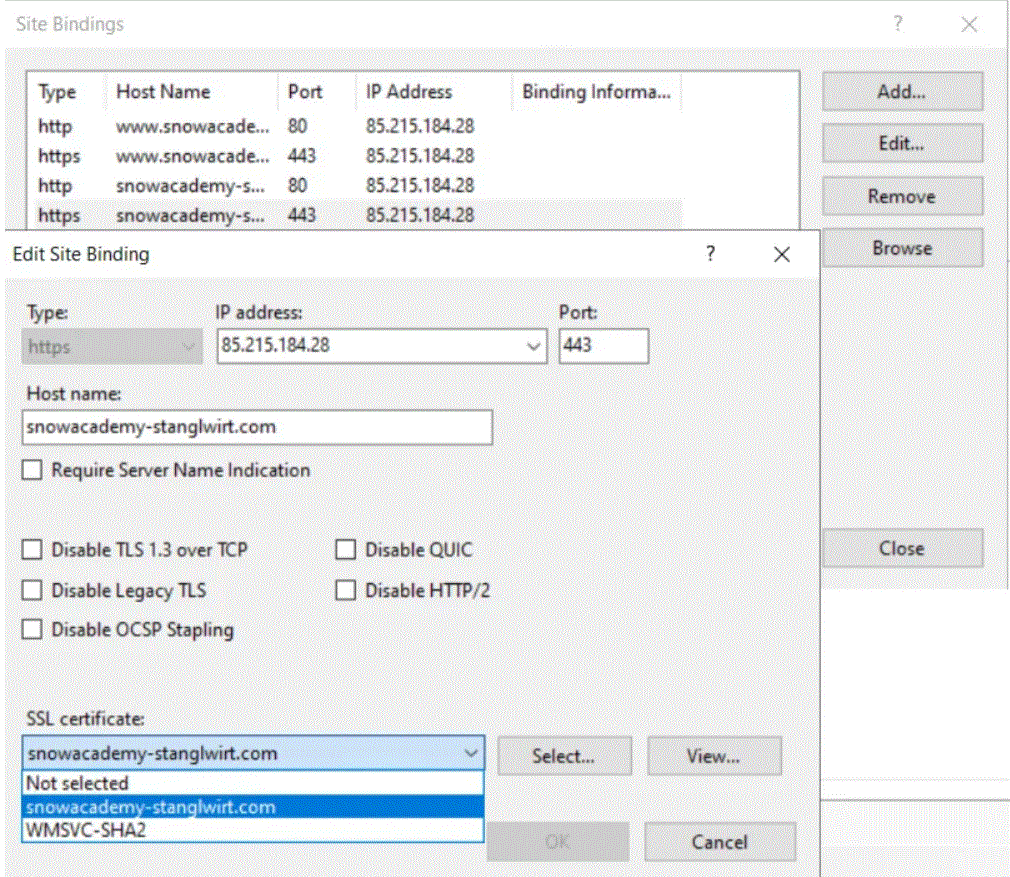
Double Click on one of your Domains and now you are able to select your Certificate. If you have no Domain you need to Add… one.
Great Now all set and restart the Server.
Have great Day!